
By Agent Ace · Winter Haven, FL
One scan,endless possibilities.
Print one QR code on your business card, truck, or window. It opens a digital card people save to their phone in a tap. Change your number, title, or photo later and the printed code still works — no reprinting.
Free forever plan · no card required · takes about 3 minutes
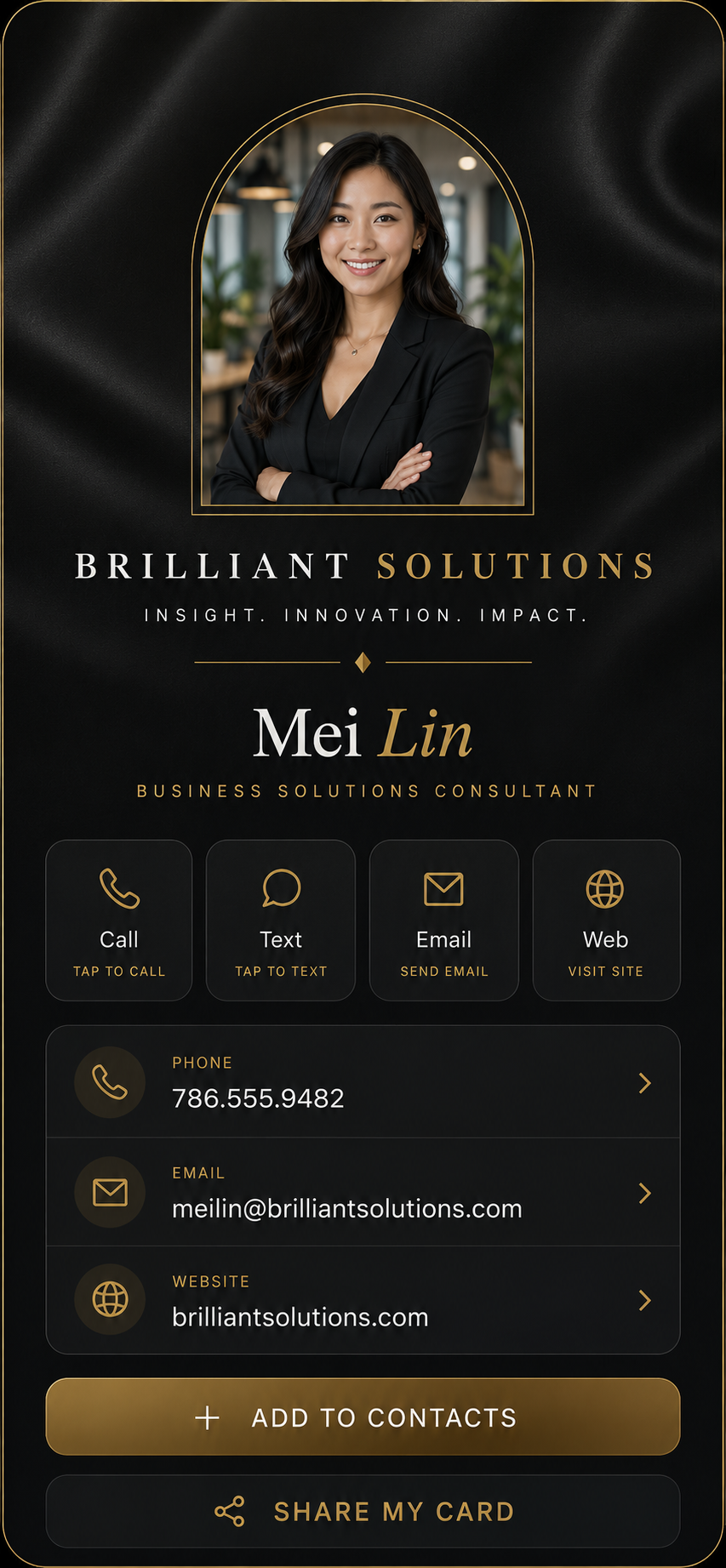
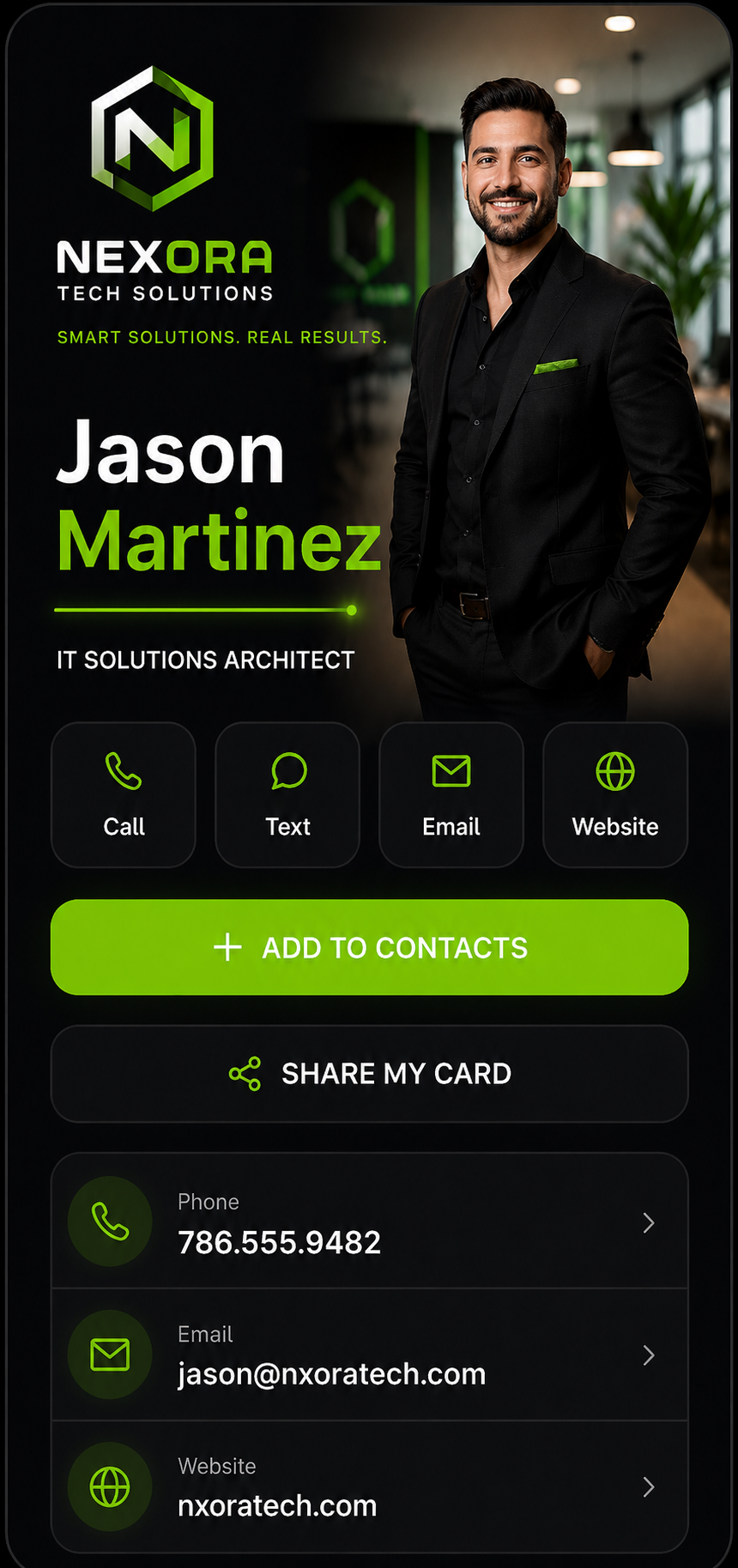
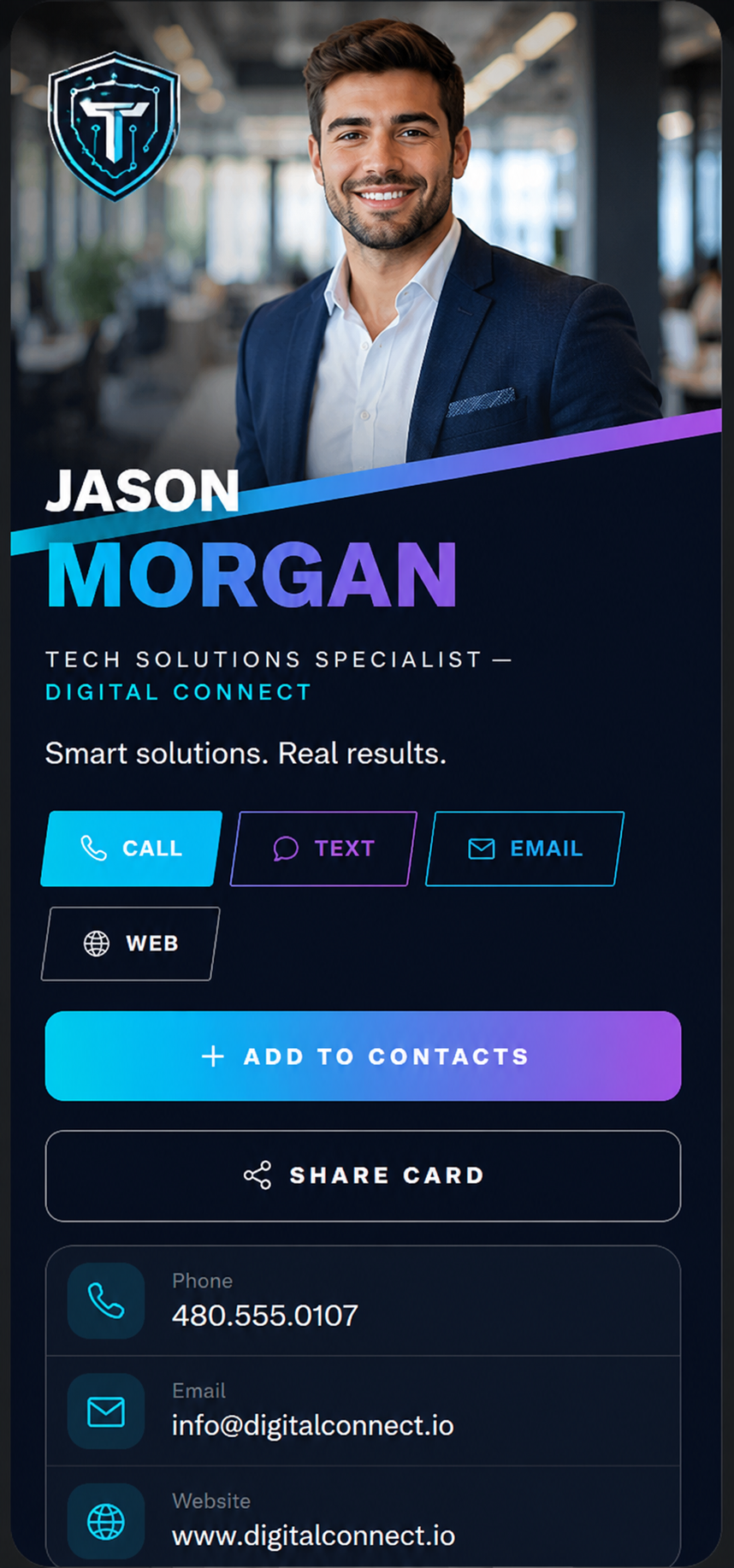
The QR code never changes. Everything behind it can.
Ordinary QR codes are frozen the moment you print them. An Ace Scan code points to your page on our servers — so the same sticker on 500 business cards can lead anywhere you want, forever. Change jobs, change numbers, change your mind. Your printed cards keep working.
Designer themes. Every one is really yours.
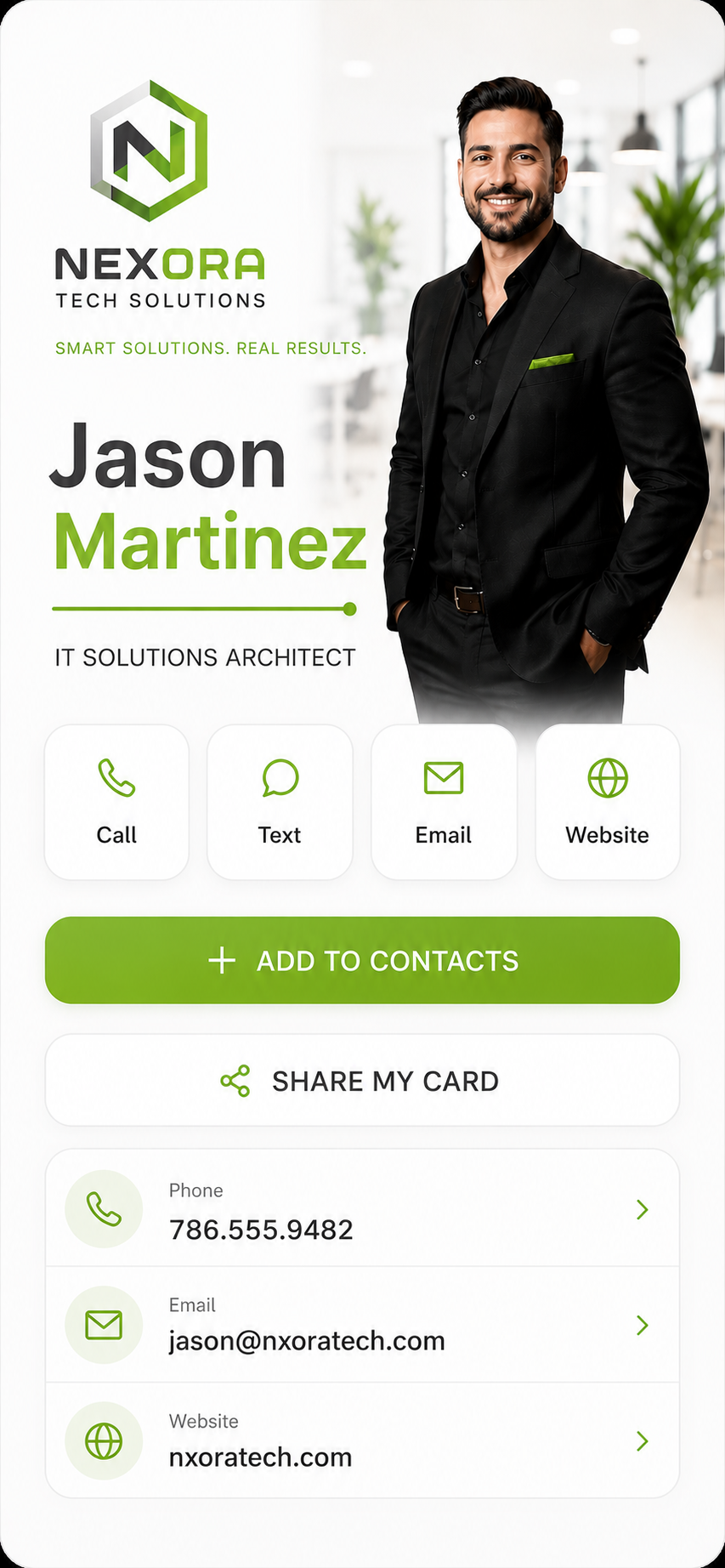
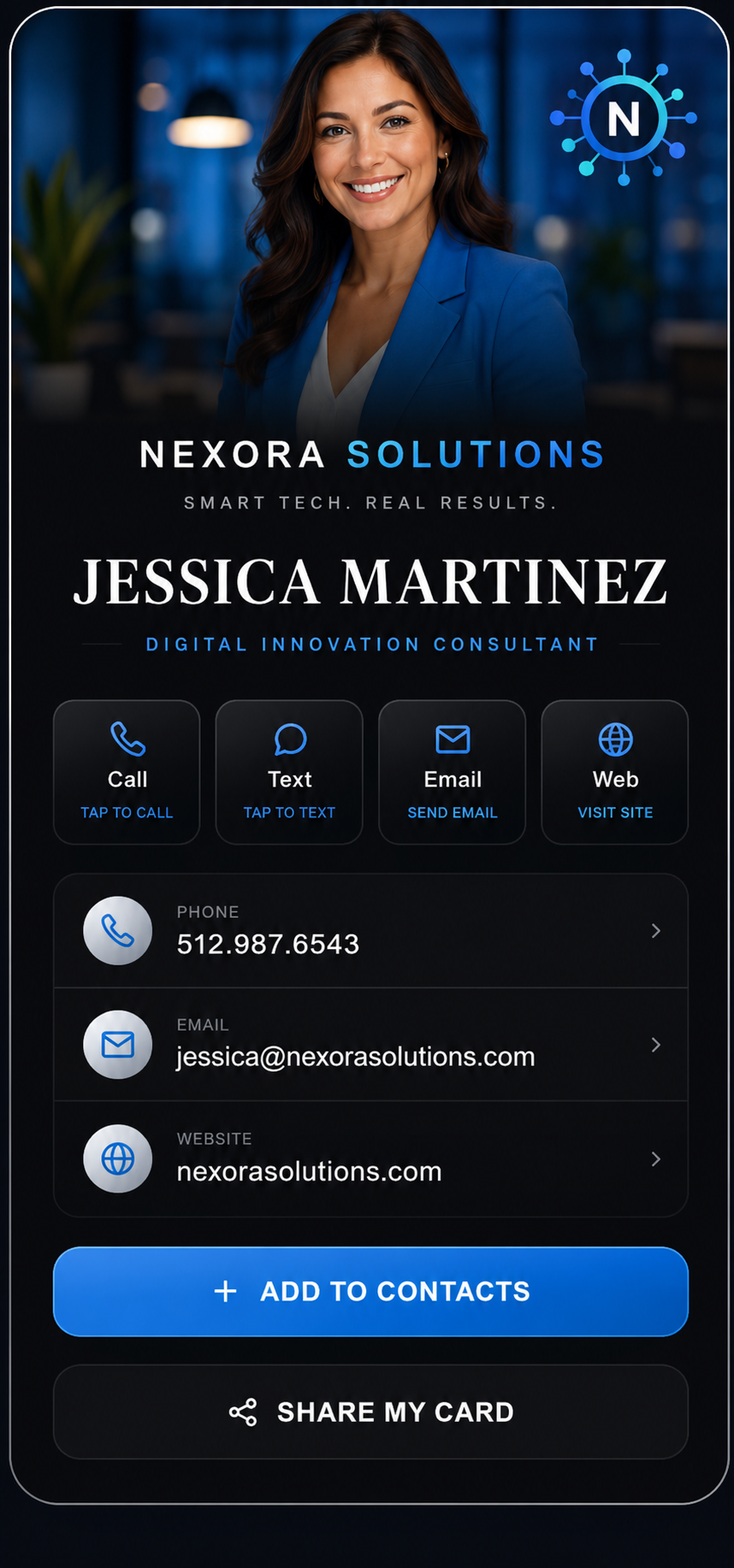
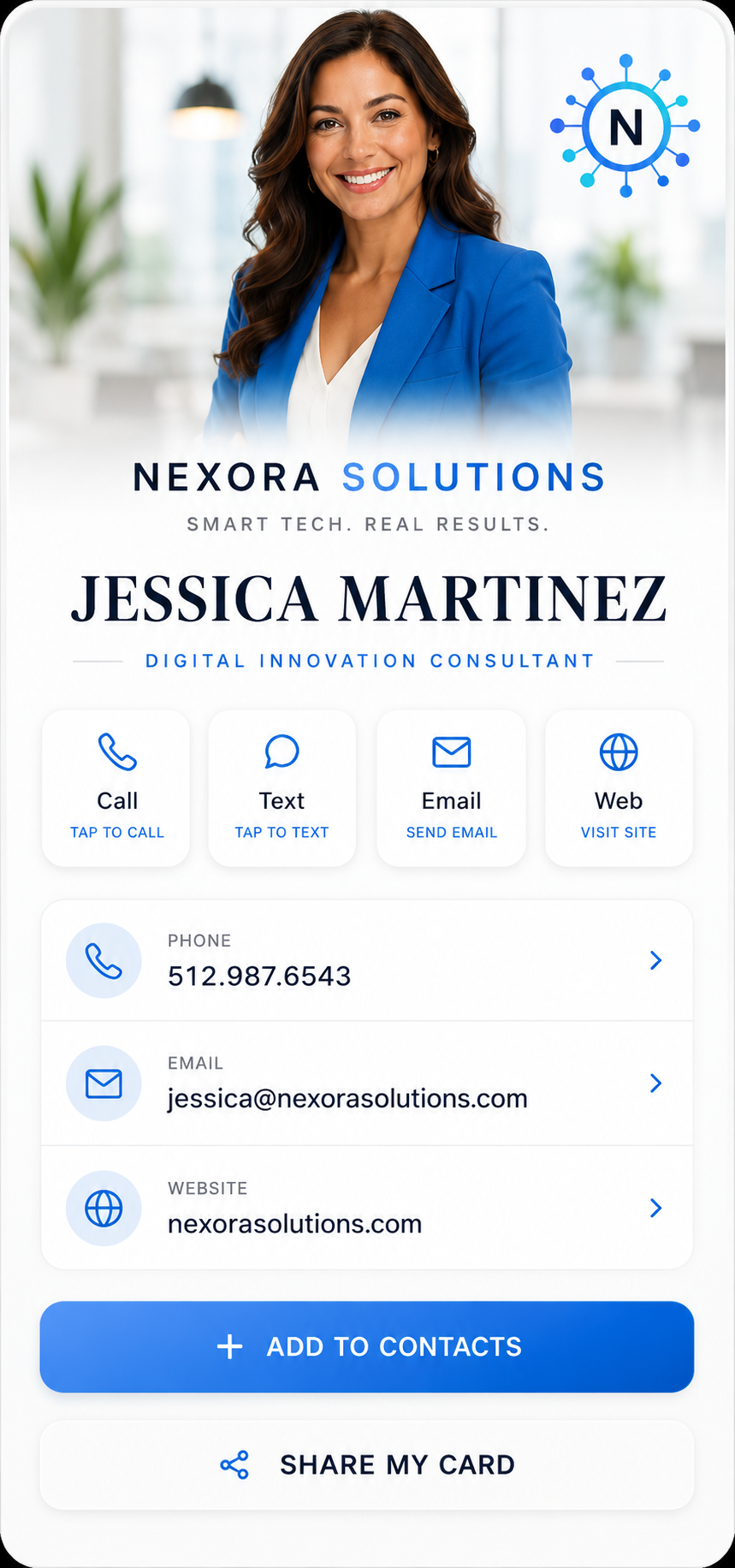
Each theme is its own design — not a template with your name dropped in. Add your photo, your logo, your colors and fonts, and switch any card between light and dark. A few are live below; tap the toggle to see them both ways.
Aurora
Cutout portrait, glowing accents
Platinum
Black and brushed silver
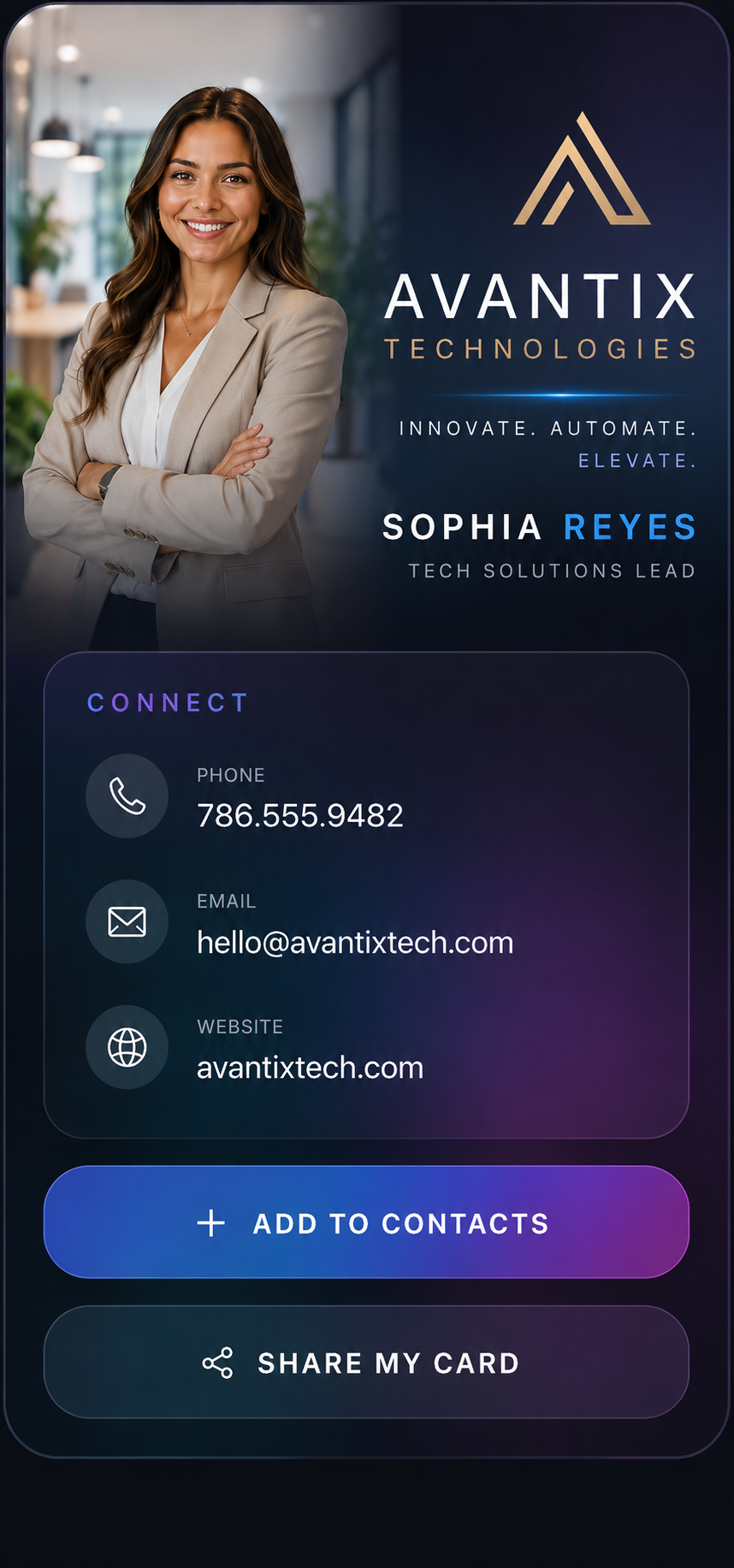
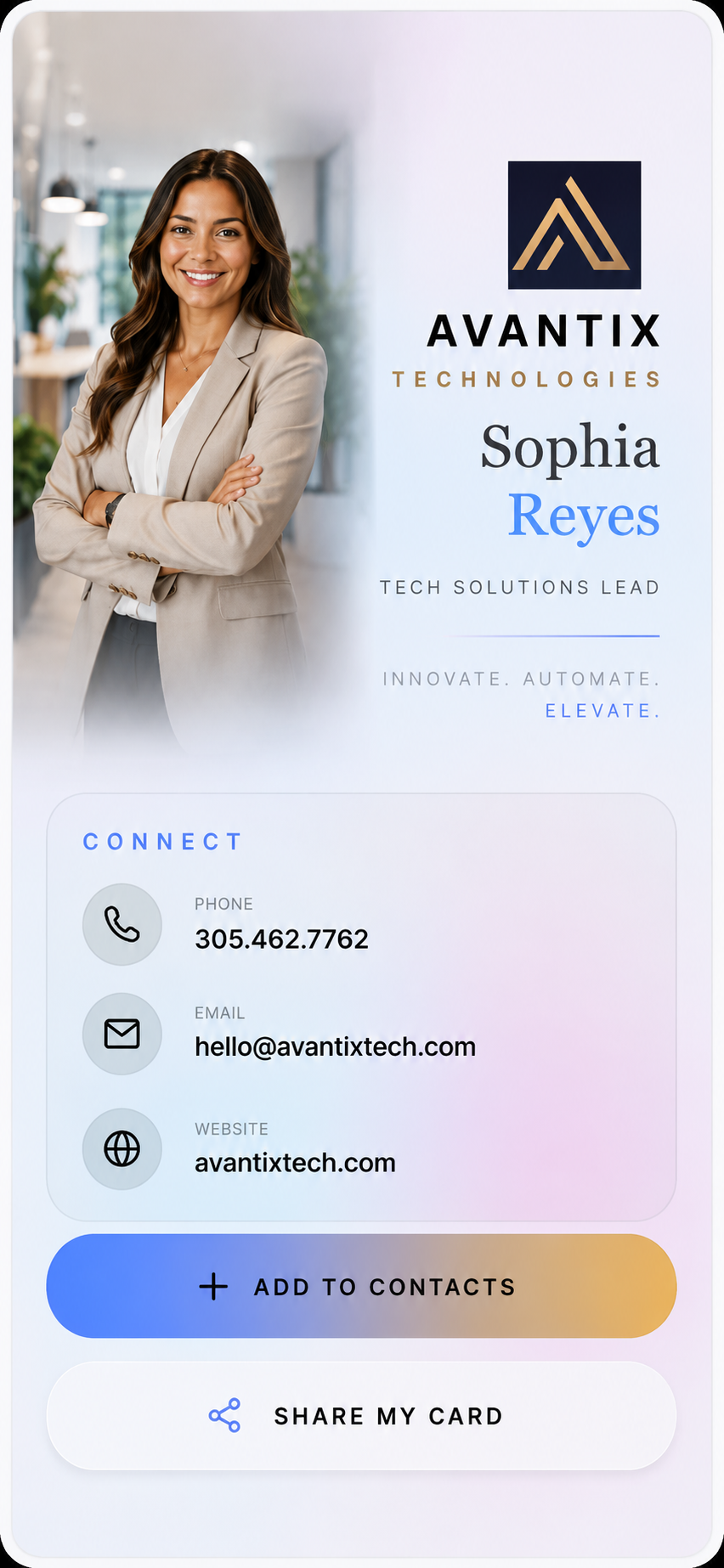
Prism
Iridescent glass

Ivory
Silk and gold
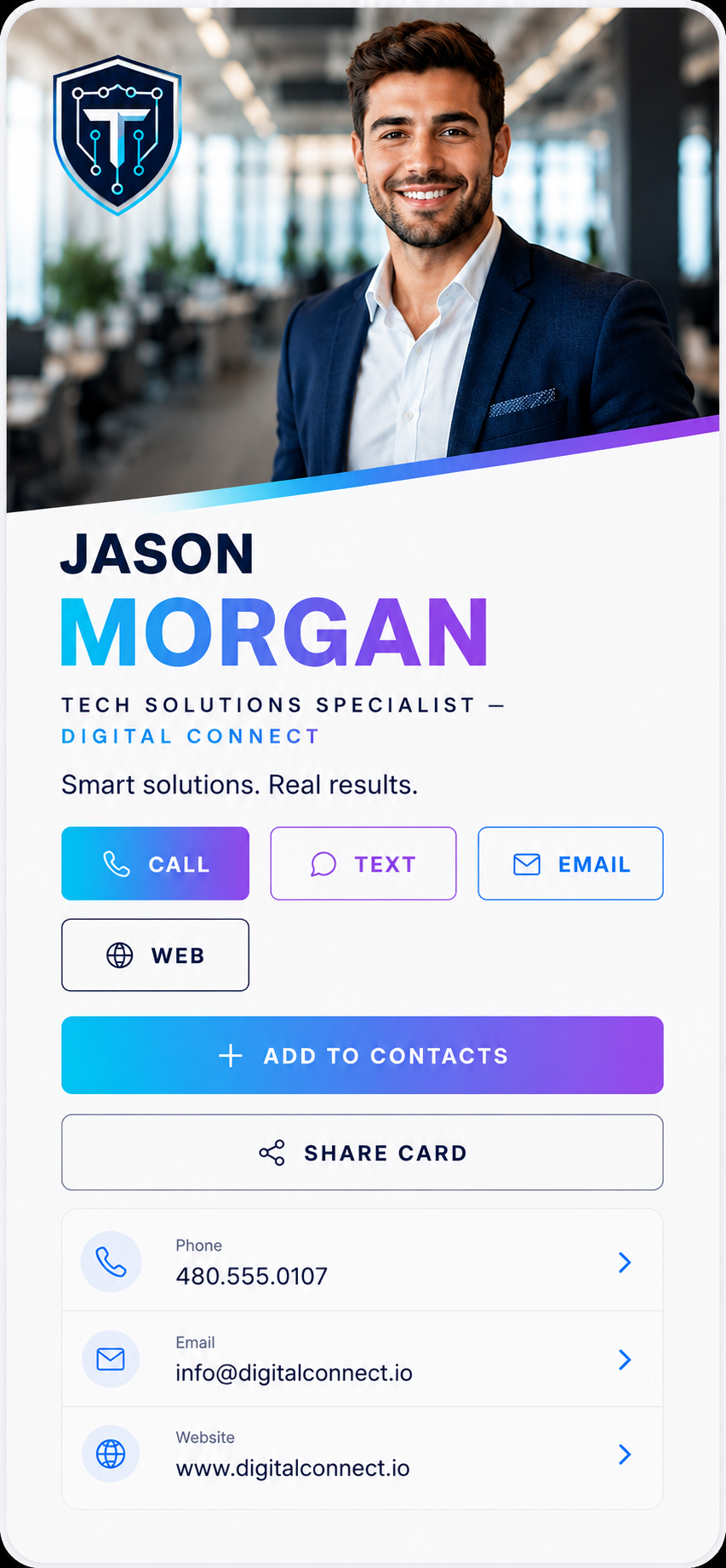
Sunset
Bold editorial
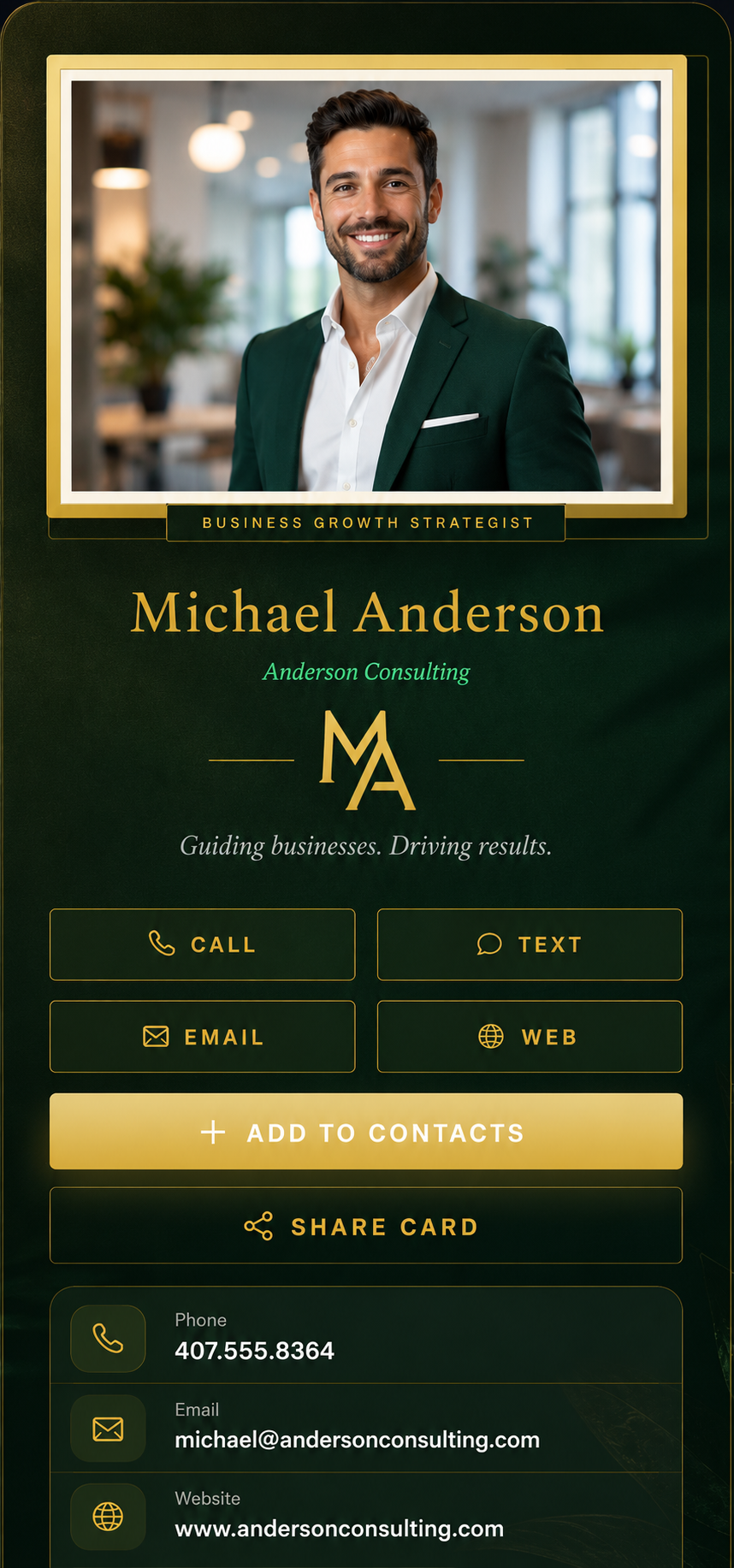

Emerald
Framed and gold
Plus Noir, Spotlight, Obsidian, Royal, Mono, Classic, Lumen — and a build-your-own Custom canvas. New styles added regularly.
On every card
- Add to Contacts. One tap saves you to their phone — name, number, email, photo and all.
- Social links. LinkedIn, Instagram, X, Facebook, YouTube and TikTok, shown as real icons.
- Your photo and logo. Upload both. Your logo can even sit in the middle of the QR code.
- Colors and fonts. Set your brand colors and pick a font. Contrast is checked so text stays readable.
- Phone, email, website, portfolio. All the ways to reach you, plus a services list if you want one.
- Light and dark. Every theme is built for both. The card above shows the toggle in action.
How it works
Three steps, and the third one is the whole point.
- 1
Make your card
Pick a theme and fill in your details — photo, logo, phone, links. It updates as you type.
- 2
Print the QR code
Download a PNG or SVG and put it on your cards, truck, yard sign, or window.
- 3
Change it whenever
Edit the card later and the same printed code shows the new version. You can also see your scans.
What you get
Saved in one tap
Your card downloads straight into their phone contacts — name, number, email, website, photo. No typing, no lost paper cards.
Know what's working
Scan analytics show you when and where people scan — so you know that truck decal is actually earning its keep.
Your brand, everywhere
Logo in the QR code itself, brand colors and fonts across the card, auto-adjusted so they always stay readable.
Direct-dial codes
Make a QR that opens their phone dialer with your number ready to call. One scan, one tap, you're talking.
Print-perfect files
Crisp vector SVG and high-res PNG downloads that look sharp from a sticker to a billboard.
Share it anywhere
Every card has a share button and a short link — text it, put it in your email signature, drop it in a DM.
Simple pricing. No surprises.
Free
$0
1 dynamic code · Classic theme · analytics
Pro
$49/yr
100 codes · every theme · full customization · no branding
Lifetime
$99 once
Everything in Pro, forever. No subscription.
🎉 Founding member deal: use code FOUNDER at checkout for 40% off — Lifetime for $59.40.
“How do I know my printed code will still work?”
Fair question. So we built it so you’re never locked to us:
- Use your own domainYour code points to an address you own.
- Export anytimeDownload a self-hostable copy of your card.
- 90-day promiseNotice + a final export if we ever wind down.
Read our Continuity Guarantee · 30-day money-back on every paid plan.
Common questions
What is a dynamic QR code?
A dynamic QR code encodes one permanent short link that you control. Instead of baking a destination into the printed code, it points to your page on Ace Scan — so you can change where it goes anytime without reprinting anything.
Can I change a QR code after I've printed it?
Yes. With Ace Scan the printed code never changes, but you can edit the card or destination behind it whenever you like — new number, new title, new photo — and every printed sticker, card, or sign instantly shows the update.
What is a digital business card?
It's a branded web page people reach by scanning your QR code. It has a one-tap “Add to Contacts” button that saves your name, number, email, and photo straight to their phone — no typing, no paper cards to lose.
Do I need an app to scan it?
No. Every modern phone camera reads the code with no app. Your card opens in the browser and saves to contacts in a tap.
Is there a free plan?
Yes — the free plan includes a working dynamic QR code, the Classic theme, and scan analytics, with no credit card required. Paid plans add every theme, full customization, your own domain, and remove branding.
Will my printed code still work years from now?
Yes. You can point your own domain at your card so it's never tied to us, export a self-hostable copy anytime, and our Continuity Guarantee promises 90 days' notice plus a final export if the service ever winds down — so a printed code keeps working.
Try it in a few minutes.
The free plan gets you a working card and one dynamic QR code. Upgrade later if you want more.
Create your card — free